 AudioRemover
Subtitle Time Shifter
Load a subtitle file, enter a positive or negative offset, and download the retimed captions.
- SRT · VTT · UTF-8
- 5 MiB max
- No upload
or drag an .srt or .vtt here
Free · No sign-up · Processed on your device
How to use it
- Choose an .srt or .vtt file.
- Enter the offset in seconds; negative moves cues earlier.
- Download the shifted subtitle file.
Formats and limits
Shift every subtitle cue earlier or later by a fixed number of seconds, then download the corrected SRT or VTT.
- Input
- SRT · VTT · UTF-8
- File limit
- 5 MiB
- Processing
- In your browser, no upload
- Output
- SRT · VTT
Processing facts
- No upload — the file stays in your browser.
- 5 MiB · File limit
- Phone transfer files expire after 1 hour.
What a constant shift does
The tool adds the same number of seconds to the start and end of every cue. A uniform offset keeps each cue the same length and preserves the gaps between lines, so the captions keep their rhythm while moving along the timeline. That is exactly what is needed when a subtitle file was timed against a different copy of the same video, or when a player or capture device added a fixed delay.
Late or early: which sign to use
If a subtitle appears after the words you hear, it is late and needs to move earlier, which means a negative offset. If it appears before the words, it is early and needs a positive offset. Play a line with a clear spoken word, note the difference, and round to a tenth of a second. One line is enough to estimate; the first and last cue will confirm it.
When the drift is not constant
A constant shift only works when the delay is the same everywhere. Frame-rate differences are the common exception: a 23.976 fps film played at 25 fps runs about 4% fast, so the offset grows through the file. A file that starts in sync and ends minutes off needs linear retiming — changing the speed of the whole subtitle track — rather than a single offset. Edited releases with extra scenes have the same problem.
What happens at the start of the timeline
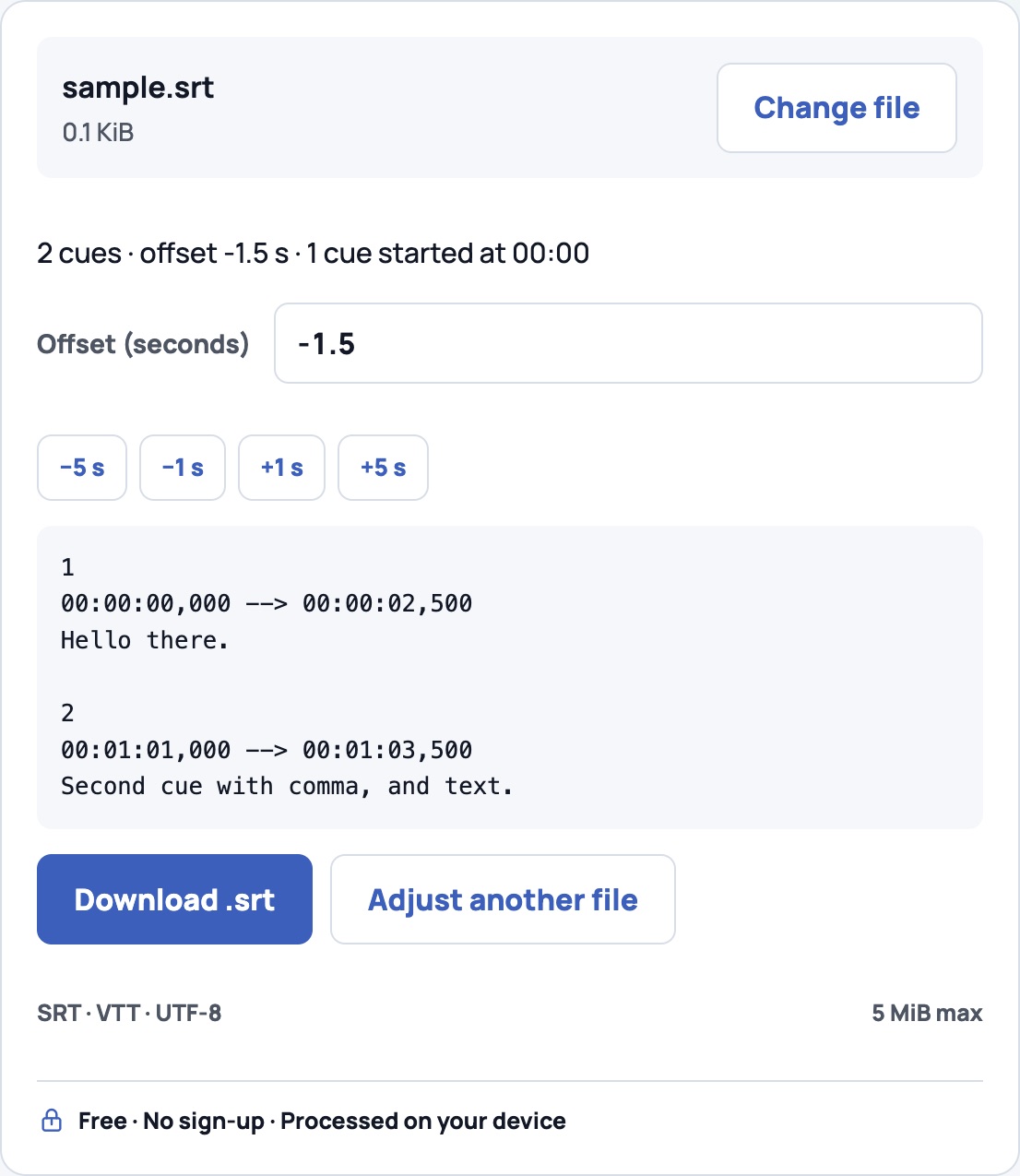
Negative offsets can push the first cues before zero. Cues that finish before the start cannot be displayed, so they are dropped; cues that straddle zero are kept and begin at 00:00, which trims their visible time slightly. The status line reports both cases so the export is never quietly different from what you asked for.
Formatting stays untouched
The tool changes timestamps only. Line breaks, italics markers, speaker labels and VTT settings such as align or line stay where they are, and the output uses the same format as the source: SRT in, SRT out; VTT in, VTT out. The download is named with a -shifted suffix so the original file is not overwritten.
Checking the result
Open the shifted file in a player and check the first line, one line in the middle and the last line. If the whole track is still off by the same amount, apply the difference again. If the start is right but the end has drifted, stop shifting and retime the track linearly instead. Keeping the original file makes both paths reversible.
What the tool does not do
It does not translate, merge, split or retime individual cues, and it does not change the frame rate of a video. It also does not fix overlapping timestamps or malformed blocks; those are skipped during parsing. For anything beyond a constant offset, a subtitle editor is the right tool.
Common questions
Do I enter a positive or a negative offset?
A negative offset moves every cue earlier, which is what you need when subtitles appear after the speech. A positive offset moves them later. Estimate the delay from one line, apply it, then check the first and last cue.
Will the text or styling change?
No. Only the start and end timestamps move. Cue text, line breaks and VTT settings such as alignment are preserved, and the output stays in the same format as the input.
What happens to cues pushed before zero?
A cue that would end before the start of the timeline is removed. A cue that starts before zero but ends after it is kept and begins at 00:00. The status line reports how many cues were adjusted.
Can this fix subtitles that drift out of sync over time?
No. A constant offset fixes a fixed delay. When the gap grows through the file, the cause is usually a frame-rate mismatch and needs linear retiming, not a shift.
Is my subtitle file uploaded?
No. The file is read, retimed and saved in the browser tab. Nothing is sent to a server.