 AudioRemover
QR Code Generator
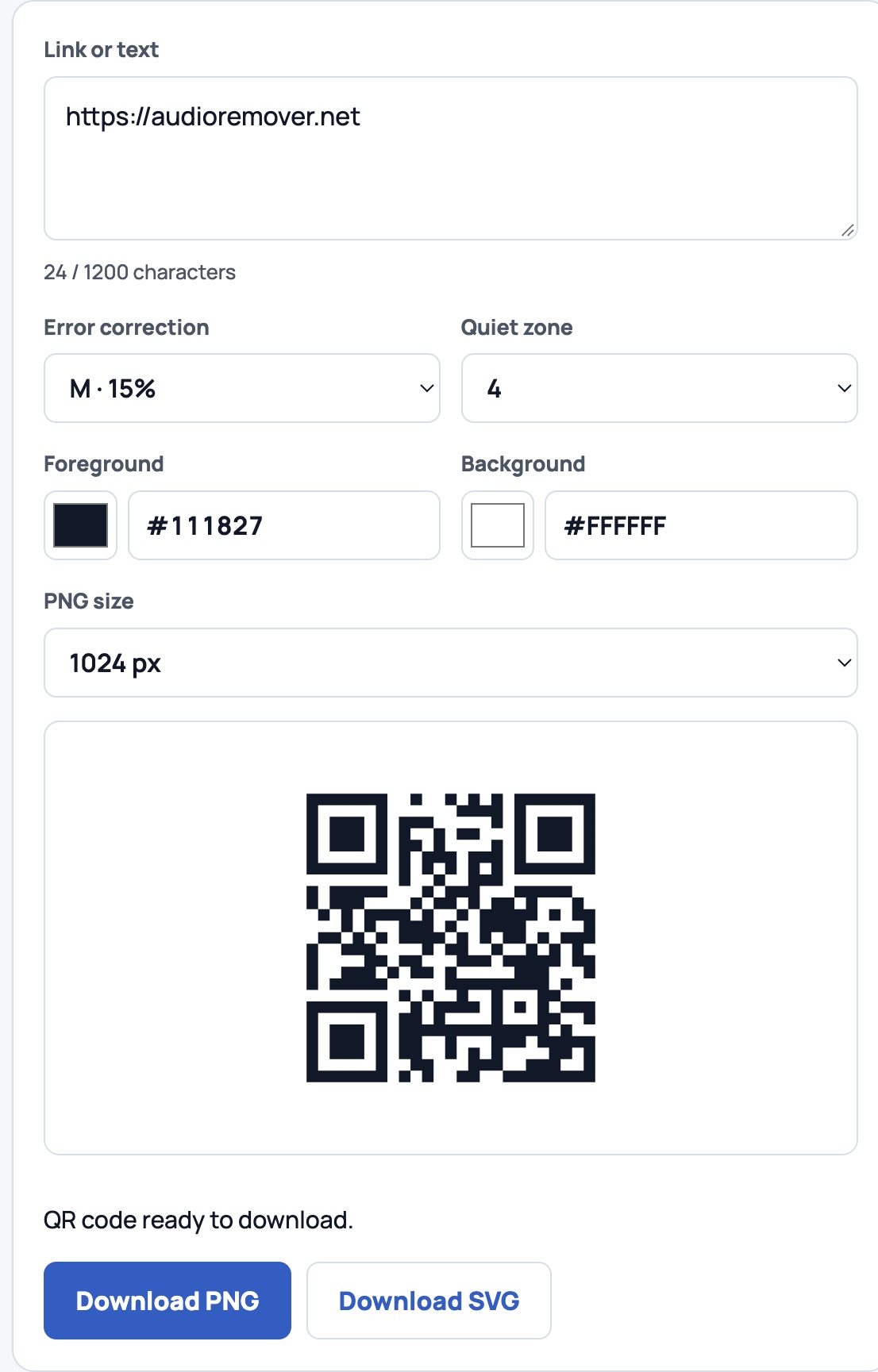
Turn a URL or a block of text into a scannable QR code. The image is created in your browser.
- Text · URL
- No upload
How to use it
- Enter a link or text.
- Adjust error correction, colors and size.
- Download the QR code as PNG or SVG.
Formats and limits
Generate a QR code for a link or text, choose the error correction level and colors, then download it as PNG or SVG.
- Input
- Text · URL
- Processing
- In your browser, no upload
- Output
- PNG · SVG
What a QR code stores
A QR code is a grid of dark and light modules that encodes text, a URL, a phone number, Wi-Fi settings or any other short string. The pattern also carries format and timing information so a scanner can find the corners and correct for perspective. Because everything needed to read it is inside the image, a printed code works without a network connection and never points at a tracking service.
Choosing an error correction level
Error correction lets a scanner rebuild missing parts of the code. Level L recovers about 7% of the data, M about 15%, Q about 25% and H about 30%. Higher levels make the code denser for the same text, which can reduce the readable distance for a small print. M is a good default; use Q or H when the code will be printed on a rough surface, placed on a product, or partially covered.
Quiet zone, size and contrast
The quiet zone is the light border around the modules. Scanners use it to separate the code from the background, so never crop it away or place text against it. For print, aim for at least 2 cm across for a short URL on a poster, and more when the code has to be read from a distance. Dark modules on a light background scan best; inverted codes and low-contrast colors fail on many phones.
Static codes and what they mean
The text is encoded directly into the pattern. Changing the destination means generating a new image, which is why static codes are simple, private and durable: there is no server to go down, no subscription and no redirect that can expire. Dynamic codes, which route through a short link, are useful for tracking but depend on a service staying online.
Printing and placement tips
Print at a size that matches the scanning distance: a code on a business card is read from 20–30 cm, while a poster code may be read from two metres or more. Keep the surface matte to avoid glare, avoid curved or wrinkled material, and leave space around the code. Test the printed proof with both an iPhone and an Android phone before producing a full run.
Colors and scannability
Colored modules are fine as long as the contrast stays strong and the dark parts remain darker than the background. Avoid red modules on a dark background, low-opacity colors and gradients. If the code will sit on a busy photo, add a white plate behind it rather than printing directly on the image. When in doubt, generate a black-on-white version as a fallback.
What the generator does not do
It does not shorten links, host a redirect, track scans, add logos or generate codes in batch. It also does not test the printed result for you. Everything is produced locally, so the text you enter is the only thing encoded in the image.
Beyond links: Wi-Fi and contact cards
A QR code can also encode a Wi-Fi login, a vCard contact, an email address or a plain sentence. The pattern does not understand the text, so the scanning app decides what to offer: a URL opens a browser, a vCard asks to add a contact, and a Wi-Fi string asks to join the network. Test those payloads on the phones your audience uses before printing, because app support varies.
Common questions
What do the error correction levels mean?
A higher level stores more redundant data, so the code still scans when part of it is damaged or covered. L recovers about 7% of the code, M about 15%, Q about 25% and H about 30%. Higher levels also hold less data for the same image size.
Can I put a logo in the middle?
This generator does not add a logo. If you place one over the code in an editor, use level Q or H and keep the logo small, then test the result with several phones before printing.
Why does my QR code fail to scan?
Common causes are low contrast between the foreground and background, too small a printed size, a quiet zone that was cropped away, or inverted colors. Keep dark modules on a light background and leave the white border intact.
Is this a static or dynamic QR code?
Static. The destination is encoded directly in the pattern, so it cannot be edited later without generating a new code. There is no redirect, no tracking and nothing that expires.
Is my text uploaded?
No. The QR code is generated in the browser and the text never leaves your device.