 AudioRemover
Audio Generator
Generate a test tone, noise or click track in the browser. Start with the volume low.
- Browser audio
- No upload
How to use it
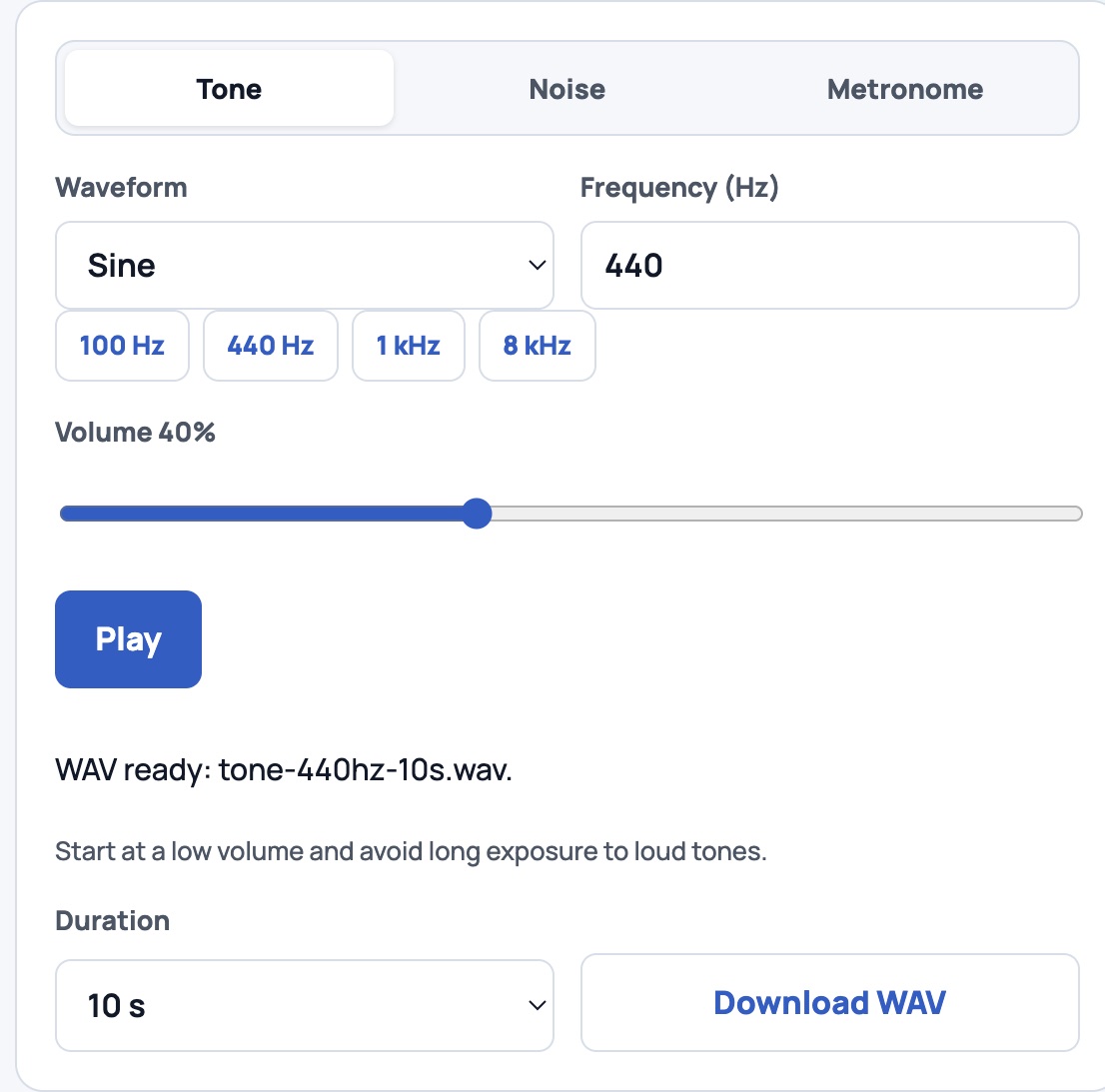
- Pick tone, noise or metronome.
- Set the frequency, noise color or tempo.
- Play it, or download a WAV for tone and noise.
Formats and limits
Play a sine, square, triangle or sawtooth tone, white, pink or brown noise, or a metronome, then export a WAV file.
- Input
- Browser audio
- Processing
- In your browser, no upload
- Output
- Speaker · WAV
What a tone generator is for
A steady tone is one of the simplest test signals in audio. A sine sweep reveals resonances in a room, a fixed tone checks whether a speaker is working, and a reference pitch lets you tune an instrument or compare two devices. Because the signal is generated digitally, it has no noise or distortion of its own, so anything you hear beyond the tone comes from the playback chain.
Waveforms and their character
A sine wave contains only the fundamental and sounds pure and smooth. A square wave adds odd harmonics and sounds bright and buzzy, which is useful for hearing how a speaker handles harsh midrange. A triangle wave has fewer harmonics and a softer edge. A sawtooth contains both odd and even harmonics and sounds the most buzzy. For measurement, choose sine; for testing distortion or effects, the others are more revealing.
White, pink and brown noise
White noise has the same energy per hertz, so it sounds bright. Pink noise drops 3 dB per octave, matching the ear reasonably well and sounding more balanced; it is common for room tuning and speaker checks. Brown noise drops 6 dB per octave and emphasises low frequencies, useful for masking and for checking bass response. None of them are music, but each is a useful reference.
Using the metronome
The metronome plays a click at a chosen tempo, with an accent on the first beat of each bar. Set 30–300 BPM and 2–8 beats per bar to practise a passage, keep a steady tempo, or check whether a tap tempo matches a recording. The accent makes the downbeat audible, which matters when practising in odd meters.
Volume and hearing safety
Start at a low volume and raise it only as far as needed. A pure tone concentrates energy at one frequency, and sustained exposure is more fatiguing than music at the same level. Avoid holding a loud high-frequency tone near your ears, take breaks, and use speakers rather than headphones when testing at length. This tool cannot measure sound pressure or calibrate your device.
Exporting a WAV
Tone and noise can be rendered offline to a mono WAV at 44.1 kHz and 16-bit, with a short fade at the start and end so the file does not click when played or looped. The export uses the same settings as the preview. File size is roughly 5 MB per minute, which is fine for a reference clip and large for anything longer.
What the generator does not do
It does not create music, melodies or sound effects, does not measure frequency response, and does not calibrate loudness. Nor does it produce a calibrated decibel level, since that depends on the device and its volume setting. For those tasks you need measurement hardware or a calibrated meter.
Common questions
What can I use a tone generator for?
Checking speakers and headphones, finding a rattle in a room, tuning an instrument against a reference, testing audio software, or producing a steady reference while mixing. A pure sine is the cleanest signal for testing because it has no harmonics.
What is the difference between white, pink and brown noise?
White noise has equal energy at every frequency and sounds bright and hissy. Pink noise falls by 3 dB per octave, which roughly matches how we hear, and sounds more even. Brown noise falls faster, emphasising low frequencies like a distant rumble.
Can I export the signal as a file?
Tone and noise can be downloaded as a mono 44.1 kHz, 16-bit WAV of 5, 10 or 30 seconds with short fades to avoid clicks. The metronome is for live practice and is not exported.
Why does nothing play the first time?
Browsers only allow audio after a click. Press Play, and if the tab was silent before, the first press also starts the audio engine. Check that the system volume and the output device are set correctly.
Is it safe for my hearing?
Keep the volume low and avoid long exposure to loud tones or noise, especially with headphones. A sustained tone is more fatiguing than music at the same level, and a pure high-frequency tone can be uncomfortable even when it seems quiet.