 AudioRemover
Carousel Splitter
Choose how many slides you need, check where the cuts land, and download every slide in order.
- JPG · PNG · WebP · GIF · AVIF
- 50 MiB max
- No upload
or drag a JPG, PNG, WebP, GIF or AVIF here
Free · No sign-up · ZIP built on your device
How to use it
- Choose a tall image from your device.
- Set the number of slides and the output ratio.
- Download the ZIP and post the slides in order.
Formats and limits
Split one tall image into 2 to 10 slides for an Instagram carousel, optionally cropped to 1:1 or 4:5, and download them as a ZIP.
- Input
- JPG · PNG · WebP · GIF · AVIF
- File limit
- 50 MiB
- Processing
- In your browser, no upload
- Output
- ZIP of PNG or JPEG slices
Processing facts
- No upload — the file stays in your browser.
- 50 MiB · File limit
- Phone transfer files expire after 1 hour.
What a carousel split does
A carousel split cuts one tall image into a sequence of slides, top to bottom. Each slide is a separate file, and together they read as one continuous design when the viewer swipes. The cuts are evenly spaced, so the height of each slide is predictable, and the slice count decides how much of the design appears at once. The source file stays untouched.
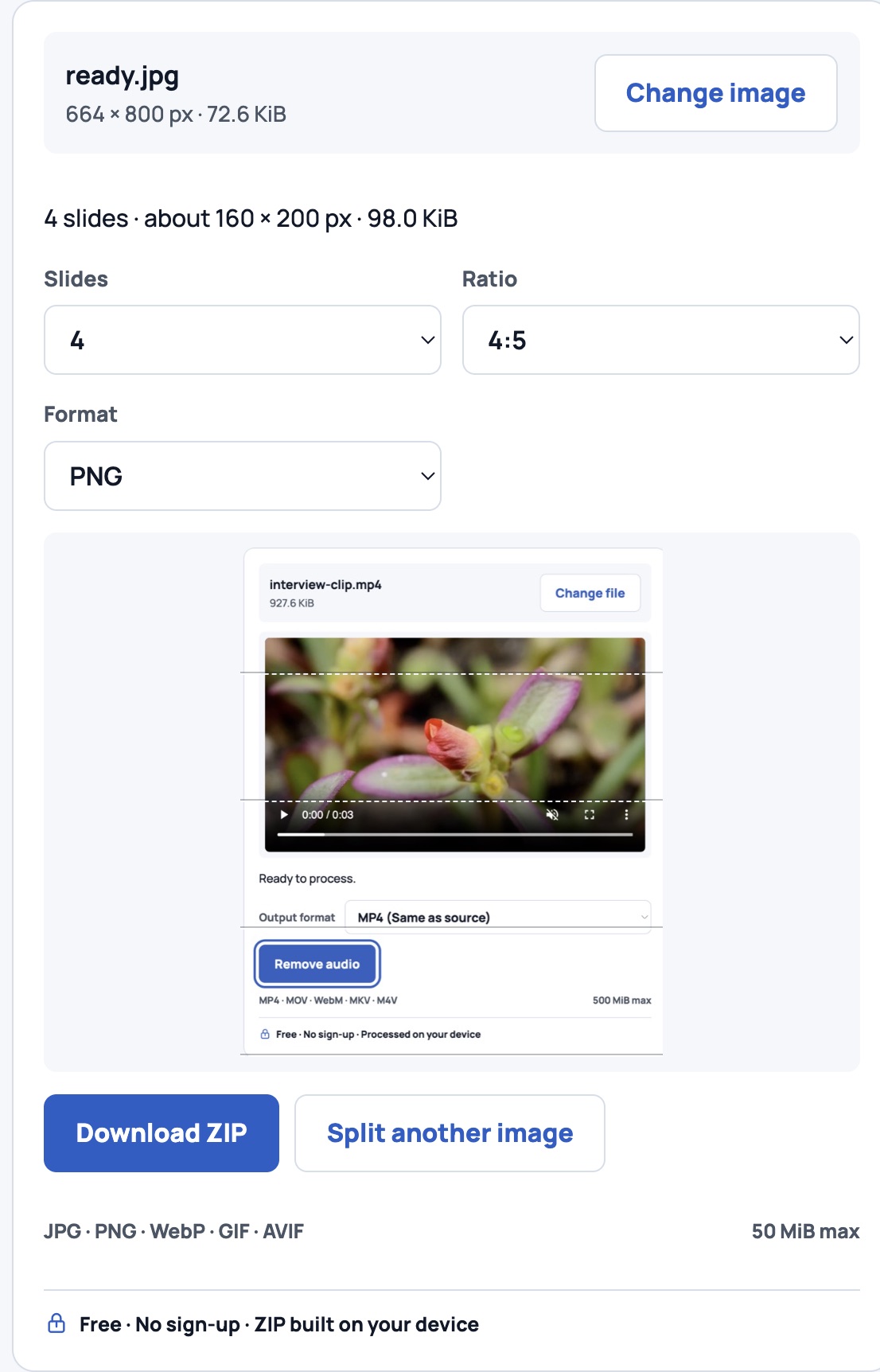
Seams and reading order
Continuity comes from the order of the files. The ZIP names slides with two-digit numbers, so 01, 02, 03 sort correctly even in a file browser that sorts alphabetically. Upload them in that order. If a slide is skipped or swapped, the design breaks into unrelated fragments, and the only fix is to delete the post and start again, which is why checking the order matters more than anything else.
Aspect ratios and cropping
Instagram carousels display at 1:1 or 4:5. If the source slices do not match, this tool can center-crop each slide to the chosen ratio, trimming the sides or the top and bottom. Cropping keeps the design edge to edge but can cut content, so keep important text away from the crop area. Choosing the original ratio avoids cropping, at the cost of black bars or an automatic crop by the app.
Designing for swipes
Think of each slide as a small poster. The first slide has to work as the thumbnail on the profile grid and as a hook in the feed, so put the headline there. Later slides can carry one idea each, with enough contrast and text size to be read on a phone. Repeating a background and a color palette across slides makes the sequence feel intentional rather than accidental.
How many slides
Two to ten slides are allowed. More slides mean each one carries less of the image, so text can stay large; fewer slides preserve more of a detailed infographic but may shrink small text below comfortable reading size. A practical default is three to five slides, and a height of 1080 × 1350 px per slide for 4:5.
Formats and file size
PNG is lossless and suits text, charts and sharp lines. JPEG is smaller for photographs and usually looks identical at high quality after the platform re-encodes it anyway. A carousel of ten PNG slides can be several megabytes, so compare the ZIP size and switch to JPEG if upload time matters. Transparency is rare in carousels, since every platform fills it with white.
What the tool does not do
It does not design the slides, add margins, arrows or page numbers, and it does not upload to Instagram. It also does not detect text or faces to avoid cropping them. For a polished carousel, design the full image first with safe margins, split it here, and check the first and last slide on a phone before publishing.
Common questions
How is this different from a grid split?
A grid split cuts along both axes into rectangular tiles. A carousel split only cuts horizontally into a sequence of slides, which is how Instagram carousels are read: one slide, then a swipe.
Should the slides be 1:1 or 4:5?
4:5 fills more of the phone screen and is the common choice for carousels. 1:1 matches the profile grid and is safer when the same images will be reused as posts. Keeping the original ratio avoids cropping but Instagram may add bars or crop edges.
Why does the ZIP appear out of order?
The files are numbered with two digits, so slide 2 is 02 rather than 2. Sort by name before uploading; most apps use the order in which you select the files, not the order in the ZIP.
Will text be cut in half?
Only if it sits on a cut line. The overlay shows exactly where the image is divided. Move the design, change the number of slides, or keep more breathing room around text before exporting.
Is my image uploaded?
No. The image is decoded and cut in the browser, and the ZIP is created locally.