 AudioRemover
Image to Base64
Load an image and copy the Base64 string in the form your code needs. Nothing is uploaded.
- JPG · PNG · WebP · GIF · SVG · AVIF
- 5 MiB max
- No upload
or drag a JPG, PNG, WebP, GIF or SVG here
Copied
Free · No sign-up · Processed on your device
How to use it
- Choose an image from your device.
- Pick the output form.
- Copy the result or download it as text.
Formats and limits
Convert a local image to a Base64 data URI, raw Base64, an HTML img tag, CSS or Markdown, then copy or download it.
- Input
- JPG · PNG · WebP · GIF · SVG · AVIF
- File limit
- 5 MiB
- Processing
- In your browser, no upload
- Output
- Data URI · Base64 · HTML · CSS · Markdown
Processing facts
- No upload — the file stays in your browser.
- 5 MiB · File limit
- Phone transfer files expire after 1 hour.
What Base64 does
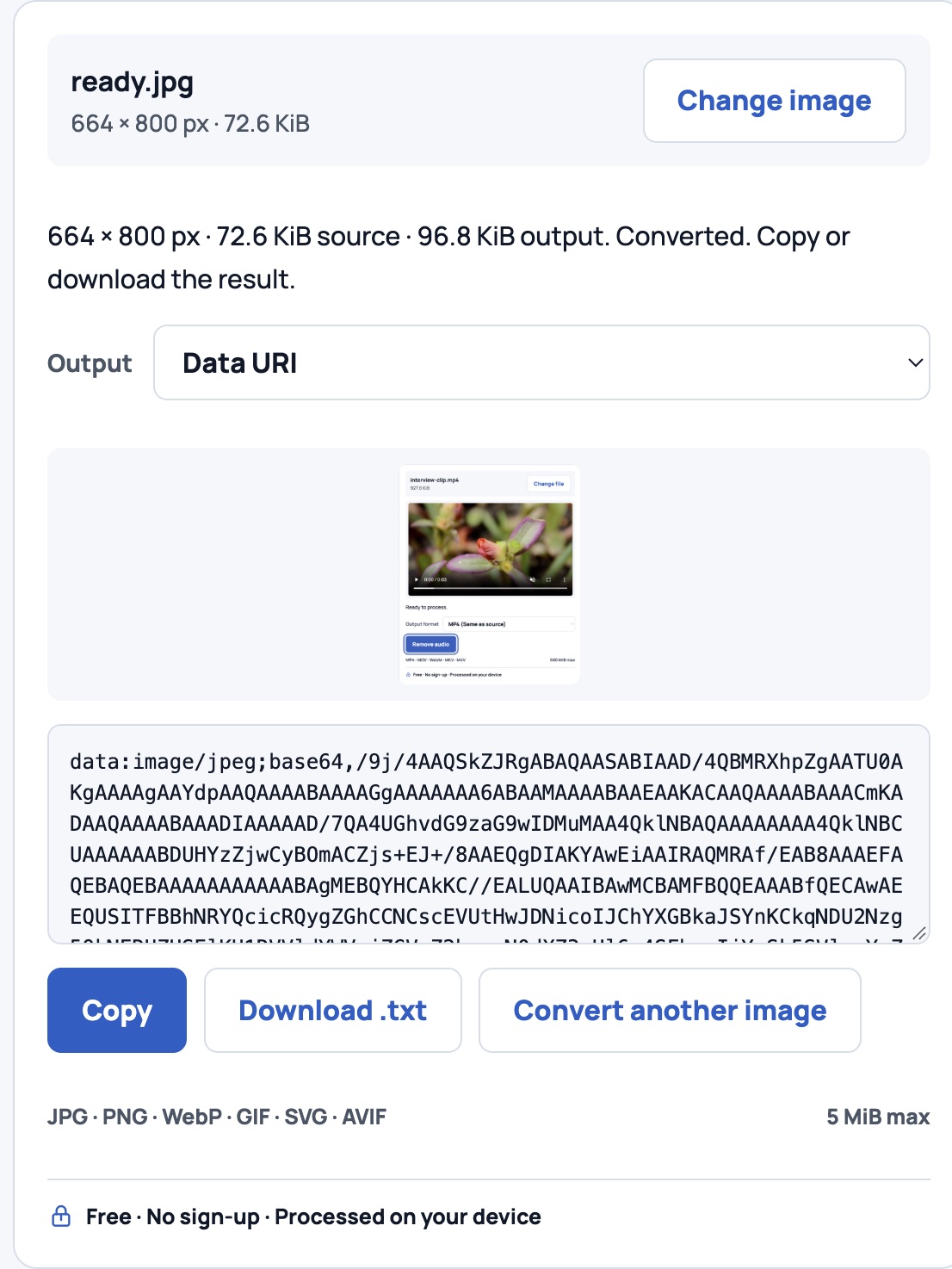
Base64 turns binary data into ASCII text by encoding every three bytes as four characters from a fixed alphabet. That is why an image becomes about a third larger: the pixels are unchanged, but the representation is longer. The result can be pasted into HTML, CSS, JSON, Markdown or an email signature, none of which carry binary attachments cleanly.
When a data URI makes sense
A data URI embeds the image inside the document that uses it. That is useful for small icons, logos, email signatures, single-file HTML demos and Markdown that must work offline. It also saves a request: the browser does not need to fetch a separate file. For a handful of tiny images, the trade can be worth it.
When it does not
Large photos should stay as separate files. A data URI cannot be cached on its own, so it is downloaded again with every page or stylesheet that includes it, and it blocks rendering while the document loads. The same string duplicated across pages adds weight everywhere. Search engines and browsers handle normal image files well, so use Base64 for small assets only.
Reading the data URI format
The string starts with data:, then the MIME type, then ;base64, and finally the payload: data:image/png;base64,iVBORw0KGgo… The MIME type must match the file, or the browser may refuse to display it. JPEG uses image/jpeg, PNG image/png, WebP image/webp, GIF image/gif, SVG image/svg+xml and AVIF image/avif. Raw Base64 is the payload alone, without the prefix.
SVG and text formats
SVG is already text, so there are two options. Inline SVG can be placed directly in HTML and styled with CSS, which keeps it small and accessible. A Base64 data URI is useful when the SVG must sit inside a CSS url() or an HTML attribute. If the SVG contains quotes or special characters, Base64 avoids escaping problems at the cost of a larger string.
Size, caching and maintenance
The 33% overhead is only part of the cost. A separate image file is cached, can be resized by a CDN and can be replaced without touching code. A Base64 string is frozen into the document, so every update means editing HTML or CSS and re-deploying. Check the final page size before choosing this route, especially on mobile connections.
Copying without breaking the string
Base64 output must not contain line breaks. Wrapping it in CSS requires quotes inside url(), and an HTML attribute needs the string inside src="". If a build step or editor wraps long lines, the image may fail to load with no visible error. Copy the whole value, paste it once, and test the page before shipping.
Base64 in email and documents
Email clients and document editors rarely accept binary attachments, which is where a data URI helps. A small logo can sit inside an HTML signature or a Markdown note and render without an external file. Keep it small: many clients strip long data URIs, and a 100 KB string can push a message over its size limit. Test in the target client instead of assuming it renders.
Common questions
Why is the Base64 version larger?
Base64 encodes every three bytes as four ASCII characters, so the text is about 33% larger than the binary file. Compression on the server or in the transport can reduce that overhead, but the string itself is always longer.
Which output form should I choose?
Use the data URI or HTML tag for a web page, CSS for a background image, Markdown for a document, and raw Base64 for an API field that expects only the payload. The prefix matters: a data URI includes the MIME type and must start with data:.
Can I use Base64 for photos?
It works, but a large photo becomes a very large string that cannot be cached separately from the page or stylesheet. For anything bigger than a small icon or logo, a normal image file is faster and easier to update.
Does SVG work?
Yes. SVG is text, so it can be embedded directly or Base64-encoded as image/svg+xml. For small icons, inline SVG is often smaller and easier to style than a Base64 data URI.
Is my image uploaded?
No. The file is read with the browser File API and converted in the tab. Nothing is sent to a server.