 AudioRemover
Image Grid Splitter
Choose the rows and columns, check the cut lines, and download all tiles in one ZIP. Nothing is uploaded.
- JPG · PNG · WebP · GIF · AVIF
- 50 MiB max
- No upload
or drag a JPG, PNG, WebP, GIF or AVIF here
Free · No sign-up · ZIP built on your device
How to use it
- Choose an image from your device.
- Set the number of rows and columns.
- Download the ZIP with every tile.
Formats and limits
Split one image into a 2×2, 3×3 or larger grid and download every tile as a ZIP for carousel or grid posts.
- Input
- JPG · PNG · WebP · GIF · AVIF
- File limit
- 50 MiB
- Processing
- In your browser, no upload
- Output
- ZIP of PNG or JPEG tiles
Processing facts
- No upload — the file stays in your browser.
- 50 MiB · File limit
- Phone transfer files expire after 1 hour.
How the split works
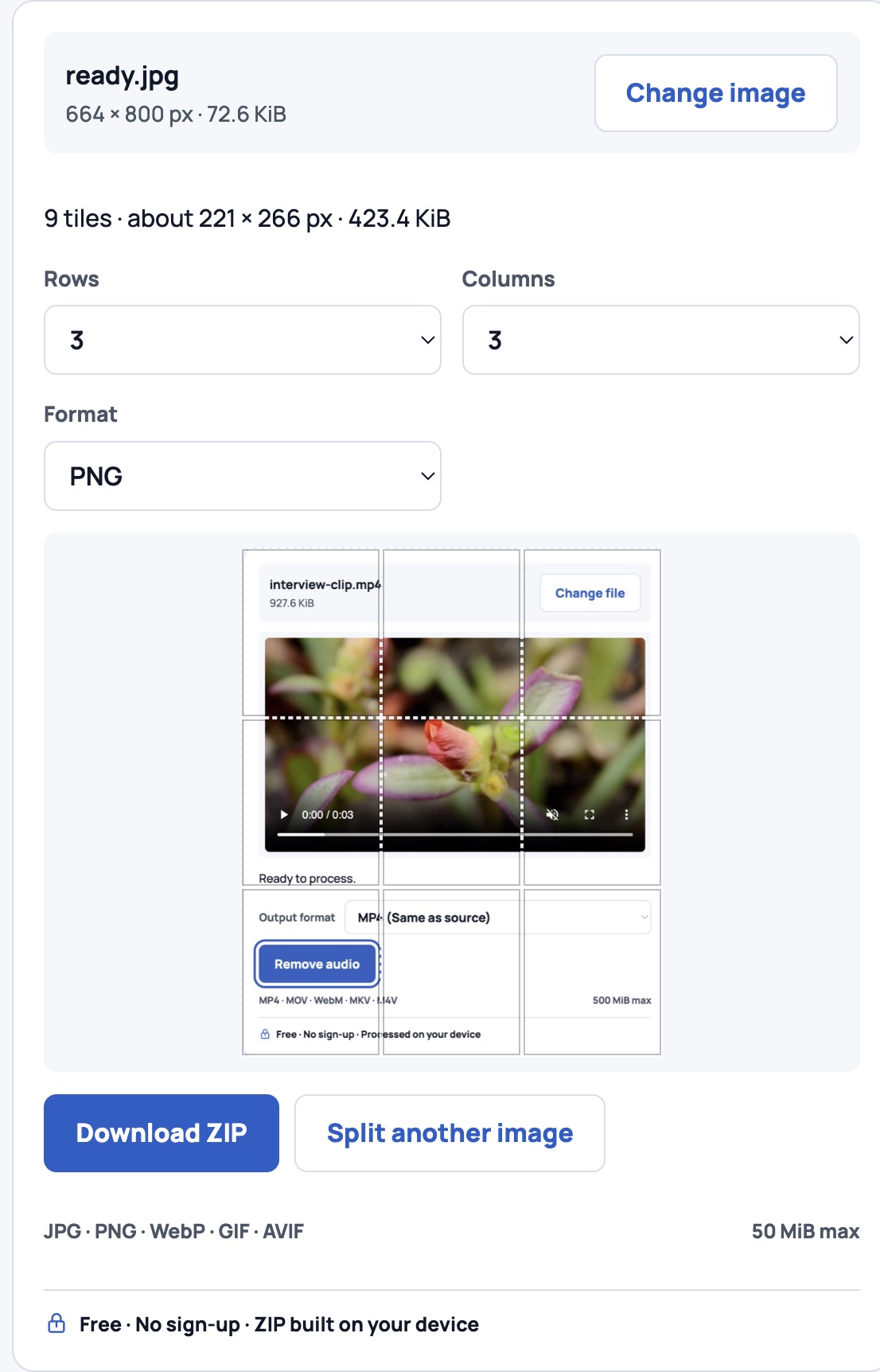
The image is divided along both axes at evenly spaced boundaries. For a 3×3 split, each tile is one ninth of the picture, and the tiles keep the original pixel density: nothing is resampled unless the source itself was scaled. Boundaries are rounded to whole pixels, so the middle tiles can differ by a pixel from the edge tiles. That difference is invisible and prevents gaps between pieces.
Planning a grid post
A grid post only works when each tile is meaningful on its own but fits the whole when seen together. Put the subject across a boundary only if the pieces will always be viewed in order. Text, faces and logos should sit comfortably inside one tile, away from the cut. A common approach is to design the full square at 1080×1080, split it 3×3, and post the nine images in order as a carousel.
Carousel order and filenames
The ZIP names tiles by column and row, so the order is predictable: row one left to right, then row two, and so on. Most apps upload in the order you select the files. Check that order before publishing, because a carousel shown out of sequence turns the picture into a puzzle rather than a reveal.
Aspect ratio and platform cropping
Instagram carousels display at 1:1 or 4:5, and the platform may crop the first image to fit the feed preview. Keep important content away from the outer edges and use a single overall ratio for the whole picture. If the source is very tall, a 2×3 split usually reads better than 3×3, because each tile stays close to the display ratio.
Formats and file size
PNG is lossless and keeps transparency, which matters for logos and screenshots. JPEG is smaller for photographs and is what most platforms re-encode anyway. A nine-tile PNG of a photograph can be several megabytes; switching to JPEG at high quality usually cuts that without visible loss. The ZIP keeps every tile in the chosen format.
Why boundaries round to pixels
An image cannot be cut between pixels. Dividing 1000 px into three gives 333.33, so boundaries land on 333, 666 and 1000, producing tiles of 333, 333 and 334 px. This keeps the total width exact and avoids a one-pixel gap or overlap. When you reassemble the tiles in an editor, the seams line up exactly.
What the tool does not do
It does not add spacing, borders or numbering to the tiles, does not post to a platform, and does not design the layout for you. It also does not crop the source. For a ready-made carousel with margins and text baked in, finish the design first and split the final image.
Reassembling the tiles
If the split needs to be undone, place the tiles back in filename order on a canvas of the original size. Because every boundary comes from the same set of edges, no seam appears. Editors that snap to whole pixels work best; placing tiles by eye can leave a one-pixel line. The original image is the safer backup, so keep it rather than rebuilding from tiles.
Common questions
What is a grid split used for?
It cuts one picture into equal tiles so they can be posted as an Instagram carousel or arranged as a grid on a profile. Each tile is a separate image and keeps its position in the filename.
Can I split into anything other than 3×3?
Yes. Rows and columns can each be set from 2 to 4, which covers 2×2, 2×3, 3×4 and similar layouts. Non-square tiles are allowed; the image is divided evenly along both axes.
Why do the tiles not line up in the app?
Most apps add a small gap or crop the edges of each image in a carousel. Leave a little margin around text and faces, and post the tiles in filename order. The source image is cut without gaps, so any spacing comes from the destination app.
Should I use PNG or JPEG?
PNG keeps sharp edges and transparency but produces larger files. JPEG is smaller for photos. If the image contains text, try PNG first and compare the size before uploading.
Is my image uploaded?
No. The image is decoded and cut in the browser, and the ZIP is built locally.