 AudioRemover
Remove Photo Metadata
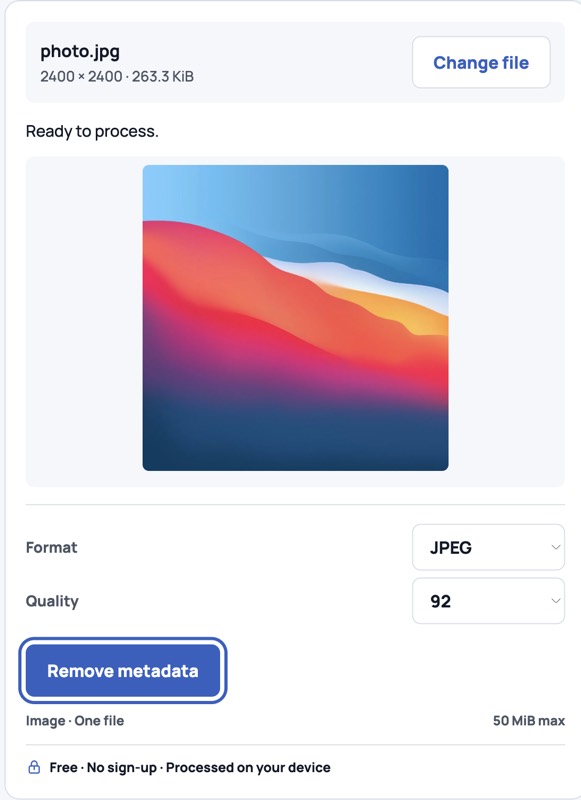
Review the metadata stored in a photo, then save a copy without it. Re-encoding removes EXIF, GPS and most embedded tags.
- JPG · PNG · WebP · AVIF · GIF · HEIC · BMP · ICO
- 50 MiB max
- No upload
or drag an image here
Free · No sign-up · Processed on your device
How to use it
- Choose a photo from your device.
- Review the metadata that was found.
- Download the clean copy.
Formats and limits
See and remove EXIF metadata from a photo in your browser. Strip GPS location, camera model and capture time by re-encoding the image. Nothing is uploaded.
- Input
- JPG · PNG · WebP · AVIF · GIF · HEIC · BMP · ICO
- File limit
- 50 MiB
- Processing
- In your browser, no upload
- Output
- JPEG · PNG · WebP
Processing facts
- No upload — the file stays in your browser.
- 50 MiB · File limit
- Phone transfer files expire after 1 hour.
What a photo can reveal
Camera and phone photos often include the device model, lens, capture date and time, editing software, orientation and GPS coordinates. Screenshots carry less, but may still include software and colour-profile tags. A single holiday photo can therefore state where and when it was taken, and on which phone, long after you have forgotten.
How removal works
The tool draws the decoded picture onto a new canvas and encodes it again. The new file contains the pixels and colour profile but none of the original EXIF, GPS or XMP blocks. Orientation is applied to the pixels, so the photo still looks upright. Because the file is rebuilt rather than patched, there is no hidden copy of the old tags in the output.
Where metadata comes from
Phones write it at capture time. Editing apps add their own fields, scanners add device names, and screenshots often record the software and display colour profile. Social platforms usually strip most of it on upload, messaging apps vary, and email attachments keep whatever the file had. Removing it yourself is the only predictable option.
What removal does not hide
Visible content stays: landmarks, street signs, reflections and the people in the frame still identify the place. The file name stays unless you rename it. Removal only strips the machine-readable tags, so a photo of your front door is still a photo of your front door.
Check the copy before you post
Open the exported file and confirm it looks the same, then inspect its properties in your system file info panel — most show the camera and location fields if any remain. Re-encoding also means the file size changes, so if a form has an upload limit, check the new size rather than assuming it stayed the same.
Keep the original
Removal cannot be undone from the exported copy. Keep the original photo if you may want its capture date, location or camera settings later, and share the clean version. For a whole folder, run the photos one by one rather than overwriting the originals in place.
Which formats keep the result
JPEG, WebP and PNG outputs are all rebuilt without tags. PNG is lossless but much larger; WebP is the smallest for photos in current browsers; JPEG remains the most compatible. Pick by where the photo is going, not by which sounds most modern — and if the destination re-encodes the upload anyway, spend the bytes on resolution instead. Keep both versions until you are sure which one you need.
Metadata in videos and documents
This page handles photos. Videos carry their own metadata — GPS, camera model, creation time — and need the video metadata remover. PDFs, Office files and archives keep metadata of their own kind, which these tools do not touch. Check each file type in the tool that owns it, because a clean photo does not mean the video beside it is clean.
Common questions
What is EXIF data?
EXIF is information a camera writes into a photo: capture time, camera and lens model, exposure settings, orientation, and sometimes GPS coordinates.
Does this remove GPS location?
Yes. Re-encoding the picture into a fresh file leaves out the GPS block along with the other EXIF tags.
Will removing metadata reduce quality?
JPEG and WebP outputs are re-encoded, so there is a small generational loss. Use the highest quality setting or PNG when quality matters most.
Can I remove EXIF without re-encoding?
Not reliably in a browser. Re-encoding is the surest way to drop metadata because the new file is written from scratch.
Is my photo uploaded?
No. The image is read and rewritten in your browser.